scoot overview
scoot is the compositor: the process that draws every window, takes every input, and arranges windows in sideways-scrolling columns. The bar, the wallpaper daemon and the desktop profile are separate pieces that talk to it — this section is the compositor itself: launching it, configuring it, driving it.
How scrolling columns work
Section titled “How scrolling columns work”Windows sit in columns; columns form a strip that scrolls sideways. A new window never covers an old one — the strip grows and the view follows:
┌────────┐ ┌────────┐ ┌────────┐│ term 1 │ │ term 2 │ │ term 3 │ ◀── you are here└────────┘ └────────┘ └────────┘◀────────── the strip scrolls ──────────▶- Focus follows position:
Super+h/Super+lwalk columns,Super+j/Super+kwalk windows stacked inside one column. Super+1…Super+9jump to workspaces; each workspace is its own strip, each output its own set of workspaces — nothing scrolls across a monitor boundary.Super+rcycles the focused column’s width through[layout] column_widths.- Dialogs, transient windows and fixed-size windows float above the strip instead of tiling (Windows); everything else tiles, always.
No titlebars by design: the focused window gets a colored ring drawn around it in the layout’s own gap (Appearance).
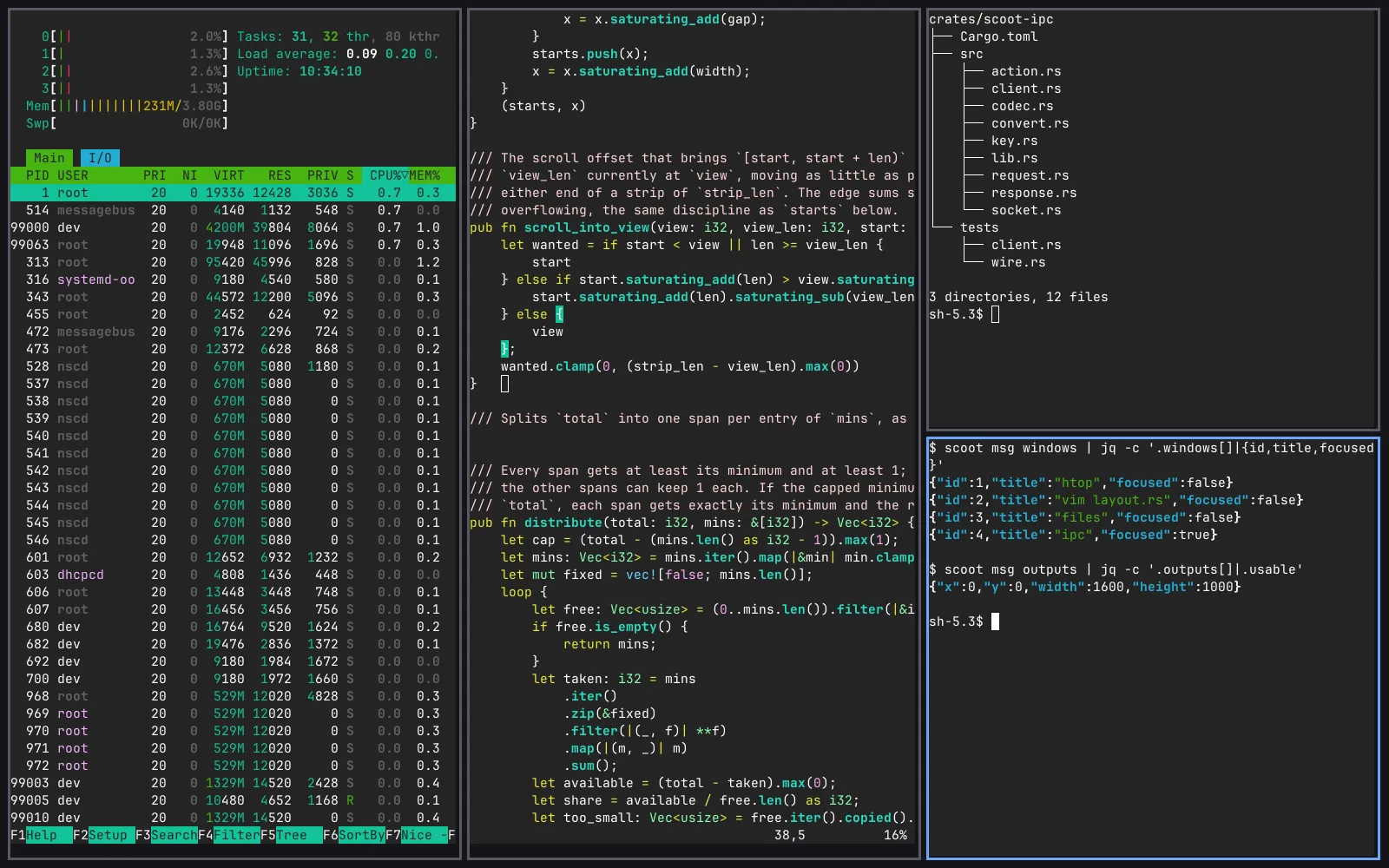
Launch it three ways
Section titled “Launch it three ways”The backend flag chooses how scoot presents what it drew (the renderer flag — pixman or GLES — chooses what draws it; see Backends and rendering):
| Flag | What happens | Use it to |
|---|---|---|
--nested |
scoot runs as a window inside your current desktop | try everything safely; the host owns size and scale |
--tty |
scoot drives real DRM/KMS hardware on a console | daily-drive on hardware |
--headless |
no display at all; scootctl screenshot reads the framebuffer |
agents, tests, screenshots |
scoot --nested -- foot # a window with a terminal in itscoot --tty -- foot # the whole console, from a VTscoot --headless -- foot # nowhere visible; screenshot itEverything after -- is one program and its arguments, run once the
session is up (Starting a session). scoot --print-default-config emits a starting config file (commented, every
default shown); --write places it directly, refusing to overwrite.
| Flag | Type | Default | Meaning |
|---|---|---|---|
--width N, --height N |
int | 1600x1000 |
the --headless/--nested output size, 1–65535 per axis. Out of range is a startup error naming the range. Under --nested it is only the size scoot asks for — the host’s configure decides. An [[outputs]] entry’s mode overrides it for the output it names. |
--outputs N |
int | 1 |
how many outputs --headless creates, 1–8, laid left to right. --nested and --tty warn and ignore it. |
--renderer pixman|gles |
enum | pixman |
which renderer composites each frame (config: [renderer] backend). |
--gpu PATH |
path | automatic search | which DRM device --tty drives (config: [tty] gpu). Ignored with a warning outside --tty. |
--mode WxH |
mode | connector preferred | which connector mode --tty picks. Ignored with a warning outside --tty. An [[outputs]] entry’s mode overrides it per connector. |
--xwayland |
switch | off | run an XWayland server so X11 apps get a DISPLAY (config: [xwayland] enabled; either turns it on). Needs an xwayland build; without one it warns and runs Wayland-only. |
--socket PATH |
path | $SCOOT_SOCKET, else $XDG_RUNTIME_DIR/scoot.sock |
where the IPC control socket lives. |
--config PATH |
path | $XDG_CONFIG_HOME/scoot/config.toml |
load this TOML file instead of searching. |
--version |
switch | — | print scoot <version> (ipc protocol <N>) and exit; needs no compositor. |
--help |
switch | — | usage, every request and every action. |
scoot msg REQUEST is the scootctl client kept on the compositor
binary as a permanent alias — everything under REQUEST is documented
in scootctl, not duplicated here.
Starting a session
Section titled “Starting a session”scoot starts the programs inside the session two ways, which compose rather than compete:
The session script is the -- COMMAND... flag: everything after
-- is one program and its arguments, run once the session is up with
WAYLAND_DISPLAY, SCOOT_SOCKET and the session environment already
set. It is the 20% route — the one with ordering, conditionals, and
wait:
#!/bin/shscootbg daemon & # a wallpaper, on the background layerscootbar daemon & # a bar, on the top layermako & # a notification daemonexec foot # the terminal the session starts withscoot --tty -- ~/bin/session.shscoot does not wait on the script and does not exit when it exits — fire and forget — and it restarts nothing that dies. Supervision is explicitly out of scope: restarting a crashed bar is a service manager’s job. Exited children are reaped, so nothing lingers as a zombie.
[autostart] is the 80% route — the programs with no ordering or
conditionals, as action strings in the config file. Entries run first,
in file order, then the -- command: the config declares the session
baseline, the script carries the behavior. Spawning the same bar in
both places yields two bars — pick one route per program.
Environment scoot reads: $XDG_RUNTIME_DIR (required — a missing one
is a one-line startup error), $SCOOT_SOCKET, $XDG_CONFIG_HOME,
$XCURSOR_THEME, and the session locale for typing. Environment scoot
exports to what it spawns: $WAYLAND_DISPLAY, $SCOOT_SOCKET,
$XCURSOR_THEME, $XCURSOR_SIZE, $XDG_CURRENT_DESKTOP=scoot
(always), $XDG_SESSION_TYPE=wayland and $XDG_SESSION_DESKTOP=scoot
(only where unset — on a logind seat both are logind’s to set), a fresh
$XDG_ACTIVATION_TOKEN, and $DISPLAY while the session’s XWayland
server is believed live.
Portals need one manual step outside the compositor: D-Bus activation carries its own environment, so the session must export the display into it (under home-manager this copy-over is the module’s job; without the module, it stays manual):
# systemd session started by hand (a session script, not the launcher):dbus-update-activation-environment --systemd WAYLAND_DISPLAY XDG_CURRENT_DESKTOP# s6 / seat without a user manager (the webtop target):dbus-update-activation-environment WAYLAND_DISPLAY XDG_CURRENT_DESKTOPresources/scoot-portals.conf names which backend serves what once
the lookup can find it: everything falls through to gtk, while
ScreenCast/Screenshot go to wlr. Install it as
scoot-portals.conf in the first of ~/.config/xdg-desktop-portal/,
/etc/xdg-desktop-portal/, /usr/share/xdg-desktop-portal/ that your
setup provides (xdg-desktop-portal 1.17+ does the rest).
More than one output
Section titled “More than one output”--headless --outputs N gives a session N virtual outputs with no
second monitor in the building — so per-output behavior is testable.
Each output is real: its own wl_output global, its own workspaces
and scrolling strip (a window is on exactly one output; nothing
scrolls across a boundary), its own exclusive zones (a bar on one
output shrinks only that output’s tiling area), its own scale, its own
render target (so scootctl screenshot --output 2 answers with the
second output’s own pixels). Under --tty every connected monitor is
an output like these, named after its connector, placed left to right,
added and removed as monitors plug and unplug.
What it is not yet: outputs line up left to right (no position
setting; scale and mode are set per output in the file, not from
wlr-randr); new windows open on the output under the pointer.
Stepping across outputs is bound by default (Super+comma /
Super+period, wrapping left and right — see Outputs).
A returning monitor gets its windows back: when an output is removed
its workspaces are adopted by the remaining output, and when a monitor
with a matching identity returns, the still-open ones move back.
Next: Configure — the config file, reload, and what happens when the file is wrong.