
Screenshots and screen sharing
Share your screen in a Meet call, or screenshot a region into
~/Pictures. Both are on with the profile, through the standard
portals. Chrome, Meet, OBS and Telegram work with nothing extra to
start.
programs.scoot.desktop = { enable = true; # Share without being asked which screen (kiosk: one fixed output): # capture.chooser = "none"; # capture.outputName = "eDP-1"; # No screenshots or sharing at all on this box: # capture.enable = false;};What runs: the portal backends system-wide
(xdg-desktop-portal-wlr 0.8.4 or later for ScreenCast and
Screenshot, xdg-desktop-portal-gtk for the file chooser and the
rest; a too-old backend fails evaluation naming the floor), the
scoot backend selection beside them
(ScreenCast and Screenshot to wlr, everything else to gtk: the
same file the home-manager side installs per user, which wins where
both exist), PipeWire running for the cast, grim plus slurp for
the screenshot binds, and the output chooser xdpw asks through before
each cast. The portals start on demand over D-Bus and hold nothing
until a cast asks, so nothing runs when you are not sharing. The
profile installs no Push backend and no installed backend advertises
the Push portal, so a pure scoot session runs no push daemon at all.
Three binds, each plain (fire once, never behind the lock screen):
| Press | Does | Lands |
|---|---|---|
Print |
screenshot every output | dated files in ~/Pictures (scoot-20261005-143022.) |
Shift+Print |
screenshot a picked region | dated file in ~/Pictures |
Ctrl+Print |
screenshot a picked region | straight into the clipboard (wl-copy) |
The region picker dims the screens and draws the pick with the
look’s ring and accent (slurp’s own style without a look, or with
theme.).
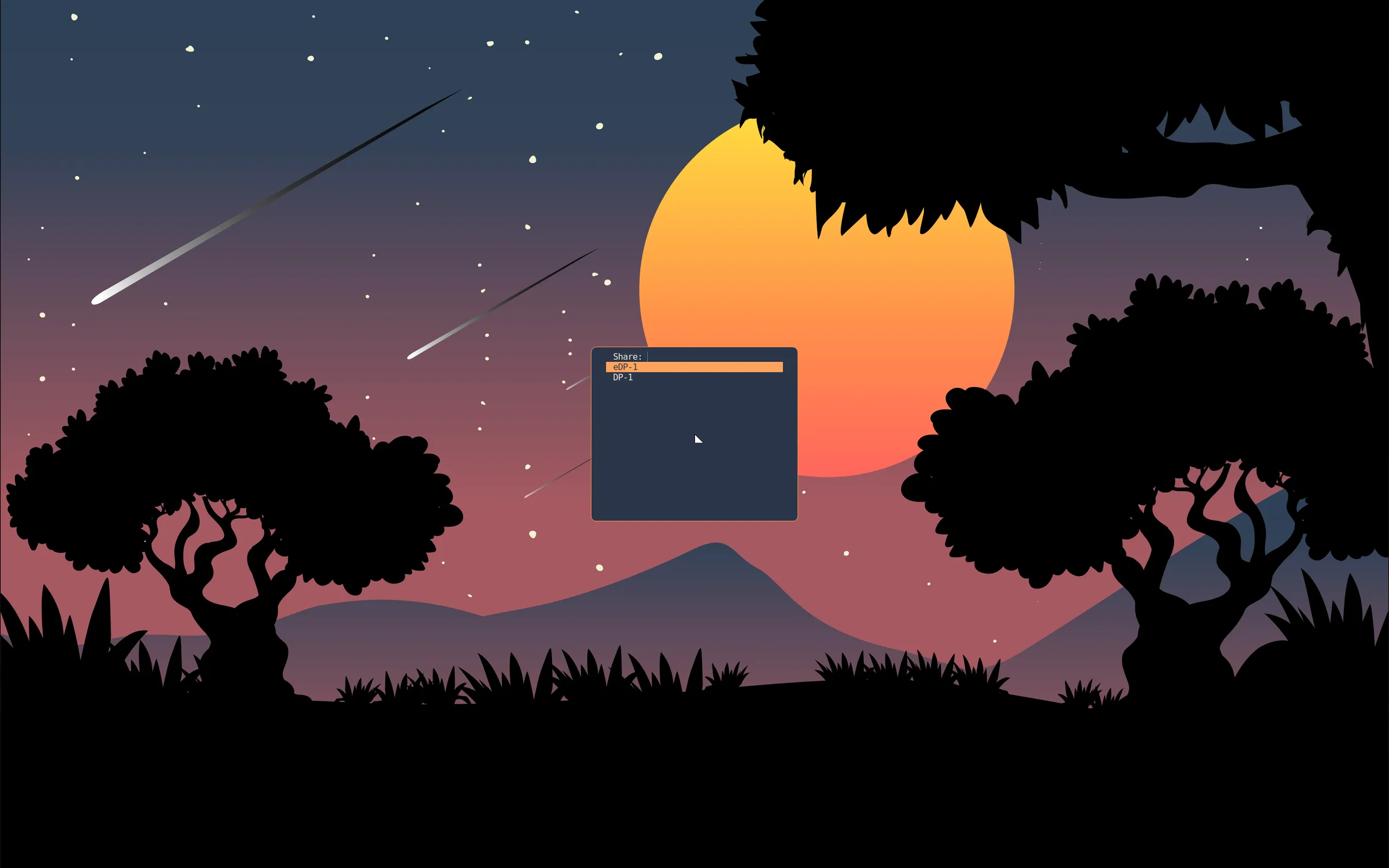
Before each cast, xdpw asks which screen: a dmenu list of every
output through the profile’s menu, the same --dmenu contract the
clipboard picker and the launcher speak, themed from the look. The
list works from the keyboard, where a click-picker needs the pointer
on the right screen first. chooser = "slurp" picks by clicking a
screen, and chooser = "none" casts outputName (a connector name as
wayland-info lists it, e.g. "eDP-1") with no picker at all (leave
it null and any output casts). Casts are capped at 30 frames per second
(maxFps, 0 lifts the cap). The menu, in the moonrise look, over a
call:
One limit: scoot captures outputs only. There is no per-window capture source, so a call’s window picker falls back to screens; share a screen, not a window. The window list itself is still live (taskbars and Alt-Tab see every window).
If you drive scoot from an agent or a script, skip the portals:
scoot msg screenshot captures an output over the privileged IPC
socket with no portal, no picker and no clipboard involved. See
Screenshots.
Every value is an option, applied on rebuild/switch (the chooser file and the binds re-render; no re-login):
| Option | Type | Default | Meaning |
|---|---|---|---|
desktop. |
bool | true with the profile |
the backends on their bus names, PipeWire running, the tools on PATH, the chooser file written, the three binds bound |
desktop. |
enum ("fuzzel", "slurp", "none") |
"fuzzel" |
the output picker before each cast (dmenu list, click a screen, or no picker) |
desktop. |
string or null | null (any output) |
the output chooser = "none" casts (a connector name, e.g. "eDP-1"); read only with chooser = "none" |
desktop. |
int (at least 0) | 30 |
most frames per second on a cast; 0 means no limit |
desktop. / . / . / . |
package or null | grim / slurp / scootlaunch / wl-clipboard (Linux-only: null off Linux) | point at your own builds; null with the switch on fails evaluation naming it (grim below 1.5.0 and the wlr backend below 0.8.4 fail the same way) |
desktop. / . |
package or null | xdg-desktop-portal-wlr / -gtk (NixOS side; Linux-only: null off Linux) | the backends themselves; null with the switch on fails evaluation naming it |
desktop. |
bool | true |
theme the chooser and the region picker from the look; false keeps their own style |
desktop. / . / . |
bool | true |
bind that screenshot (false leaves its combo unbound) |
Troubleshooting, by symptom:
- Meet’s share dialog offers nothing, or the request fails at
once. Check the chain in order: the portals are up
(
systemctl --user status xdg-desktop-portal xdg-desktop-portal-wlr; both are D-Bus activated, so a dead one here means activation itself failed and the logs name it), the session names scoot (echo $XDG_CURRENT_DESKTOPmust printscoot, and the D-Bus activation environment must carry it too; the launcher imports it past the display import, and a hand-started session needsdbus-update-activation-environment --systemd WAYLAND_DISPLAY XDG_CURRENT_DESKTOP XDG_SESSION_TYPE), and PipeWire runs (wpctl statuslists sinks). - Chrome shares a black screen, or offers windows it cannot
capture. Chrome is on its X11 capturer: it picks the portal
capturer only with
XDG_SESSION_TYPE=waylandin its own environment (echo $XDG_SESSION_TYPEin the terminal that started it; Chrome blanks its own/proc/PID/environ, so reading that file shows nothing either way). Every launcher login exportswayland, greeter or console; a hand-started session needs the three-var activation line in the entry above, and a Chrome started outside the session (over ssh, from another desktop’s terminal) needs a restart from inside it. - The share starts but shows the wrong screen, or never asks. The
chooser is
none(castsoutputName, or any output when that is null): setchooser = "fuzzel"for the list. With two outputs, check the compositor sees both (scoot msg outputs). Print(orShift+Print,Ctrl+Print) does nothing. The slot renders those binds only withcapture.beside the keymap (both on with the profile); either off leaves the combo unbound. Then check the tool:enable grim -o eDP-1 /tmp/t.from a terminal. Outside the session it names grim’s own cause.png - The call’s window list is empty. Expected: outputs only (above). Share a screen.
- A screenshot taken while locked shows the lock, not the
desktop. While locked the compositor draws nothing but the lock client’s own surfaces, so a
capture holds no locked pixels. The portal Screenshot and
grimsee the same framescoot msg screenshotdoes. - Two portal configs fight. The per-user
~/.(the profile’s) beats the system’sconfig/xdg-desktop-portal/scoot-portals. conf /etc/xdg/xdg-desktop-portal/scoot-portals.(also the profile’s, for sessions without home-manager); read the user one first. A hand-written file in either place wins over both only if it sorts earlier in the lookup, so avoid that.conf kunifiedpush-distributorsits in the session at ~15 MB. It rode in with Plasma 6, not this profile: nixpkgs installs it unconditionally beside Plasma and it starts in every graphical session. A pure scoot session never installs it. If this box also runs Plasma,systemctl --user mask kunifiedpush-distributor.stops it (service unmaskrestores it); nothing the session needs breaks. The mask is per-user, so it covers that user’s Plasma sessions too, where push would stop with it.